Colora
Overview
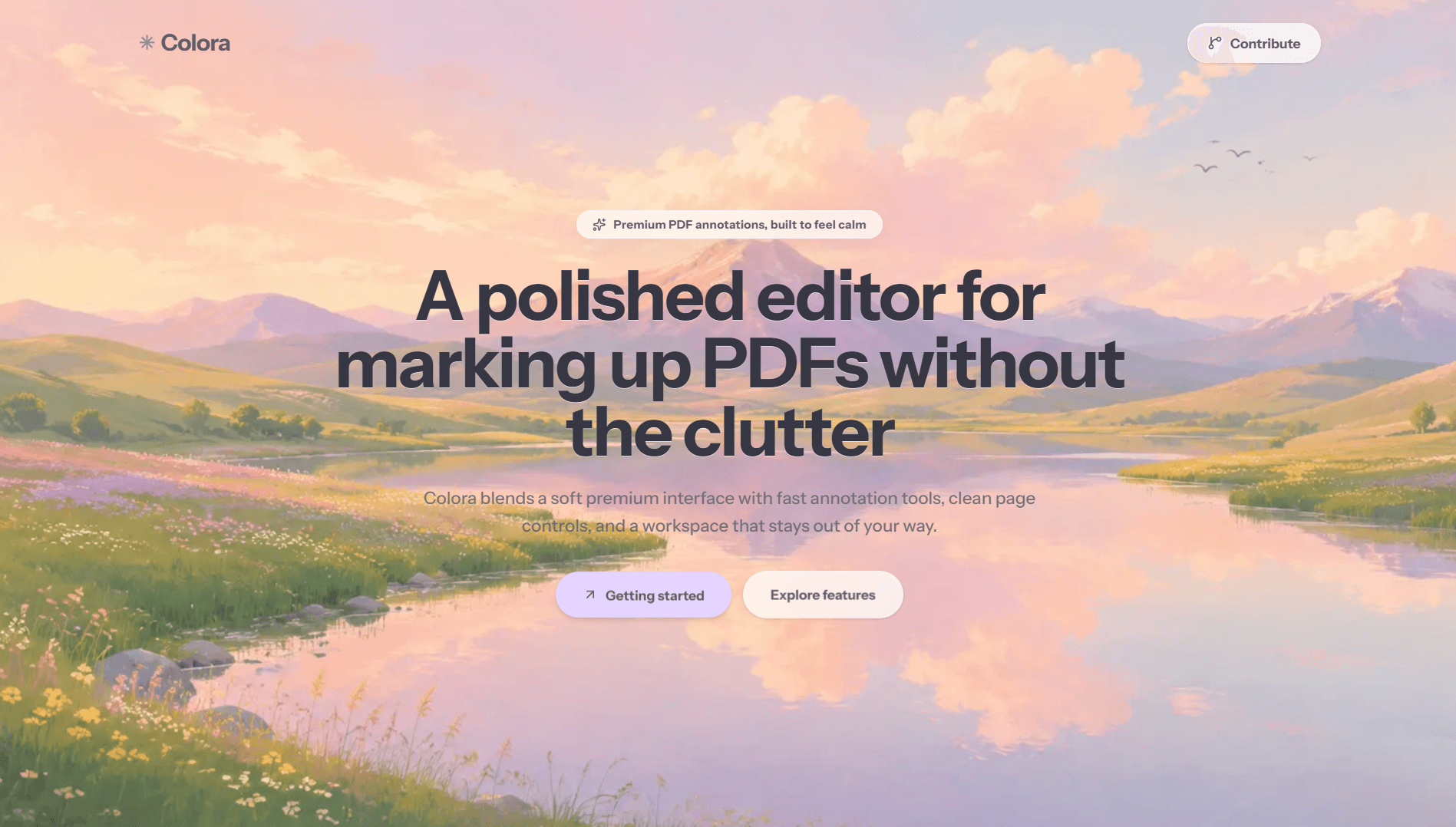
Colora is a calm, modern PDF annotation workspace built for students, researchers, designers, and professionals who want a distraction-free editing experience. It combines document management, rich annotation tools, and clean page controls into a polished editor that feels effortless to use.
What It Is
A pastel-inspired PDF annotation and document editing application for opening, annotating, organizing, and exporting multi-page documents.
Problem
Most PDF editors become visually heavy and cluttered, which makes simple annotation feel slower and more stressful than it should be.
How It Works
Colora lets users open a local PDF or image, create a blank document, pick an annotation tool from the sidebar, adjust settings from the toolbar, and export the finished document as a PDF.
Why It Stands Out
Colora keeps the interface calm and minimal while still supporting serious editing workflows. The design uses soft accents, rounded surfaces, and restrained spacing so the document remains the focus instead of the UI.
Repository Structure
Document management handles PDF, image, and blank-page creation
Annotation modules power drawing, text, notes, shapes, and signatures
Canvas controls manage selection, resizing, movement, and editing
Page navigation and export logic handle multi-page document flow
Installation
Installation
git clone https://github.com/arnabjena007/colora
cd colora
npm install
npm run dev
Local Run
Local Run
npm run dev
Open the local development URL shown in the terminal
Flags
Ctrl/Cmd + O: open a PDF or image
Ctrl/Cmd + S: export the document
Ctrl/Cmd + Z: undo
Ctrl/Cmd + Shift + Z: redo
H, T, P/D, S, E, R, O, M, L, A, N, I: tool shortcuts
Code Snippets
Document flow
const file = await openDocument(input);
const pages = await buildCanvasPages(file);
setActivePage(pages[0]);
setActiveTool("highlighter");Export pipeline
const annotationState = collectAnnotations();
const pdfBytes = await exportDocument(annotationState, {
  includeImages: true,
  preservePageOrder: true,
});

saveAsPdf(pdfBytes);
Setup Notes
Designed for local document editing in the browser
Supports PDFs and common image formats such as PNG, JPG, JPEG, and WebP
Works best on a desktop screen for precise annotation
Key Features
Stack used


For more cool projects, visit my GitHub.